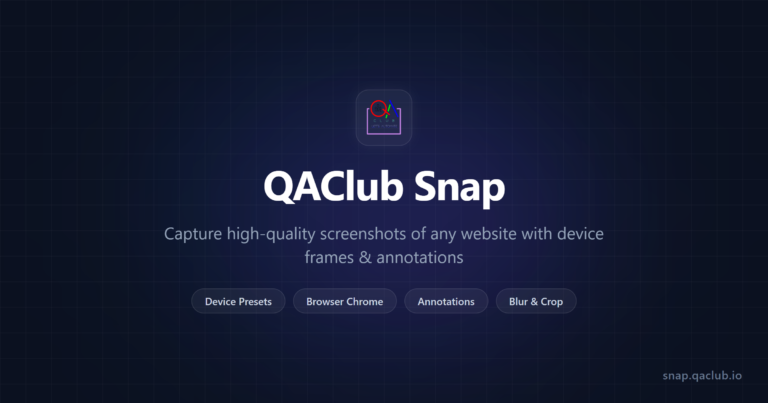

Another screenshot tool?! Really?!? Actually, NO. Standard screenshot utilities fail during actual QA workflows. Most tools require manual stitching for long pages, lack native device frames, or cannot have actual arrows or rectangles for editing and it’s really frustrating. So I built Snap.
Snap is a specialized utility for the testers to capture and document bugs without these workarounds.
What makes Snap different?
- Tab Capture: Unlike tools that only “see” public URLs, this captures directly from your active browser tab. It works on local environments, authenticated sessions, and transient UI states.
- Full page rendering: One click captures the entire DOM from top to bottom. It eliminates the need for manual scrolling or external stitching software.
- Device skins: You can wrap a capture in a mobile or tablet frame. This provides immediate visual context for how an interface appears on specific hardware.
- URL overlay: A toggle burns the source link directly onto the image. This prevents loss of context when sharing files across Jira or Slack.
- Custom resolutions: You can enter specific pixel dimensions or select presets to test responsive breakpoints. It replaces the need to manually resize browser windows during testing.
You can use the tool at https://snap.qaclub.io. If it misses a specific requirement for your testing process, provide your feedback in the comments.
Happy Testing! 🙂